

Join Stacking Pool with Stacks Wallet Web
Stacking is part of the consensus algorithm of the Stacks blockchain. To reduce high trafic on the bitcoin blockchain, a minimum amount of Stacks token is required for Stacking. Part of the stacking protocol is that users can pool their stacks to reach the minimum and benefit as a group. With the release of the Stacks Wallet Web as a browser extension, it is now possible to join a pool through a simple web interface. These are the steps:
Install Stacks Wallet Web
The details are described on https://www.hiro.so/wallet/install-web for Chrome-based browser and Firefox.

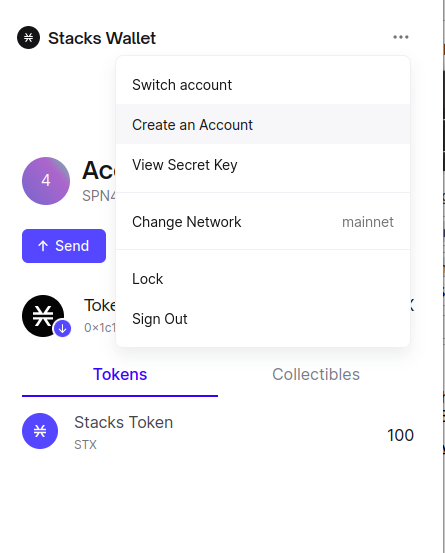
Create a new Account
Make yourself familiar with the browser extension, create a new account that you want to use for the pool
Use the Pool Registry
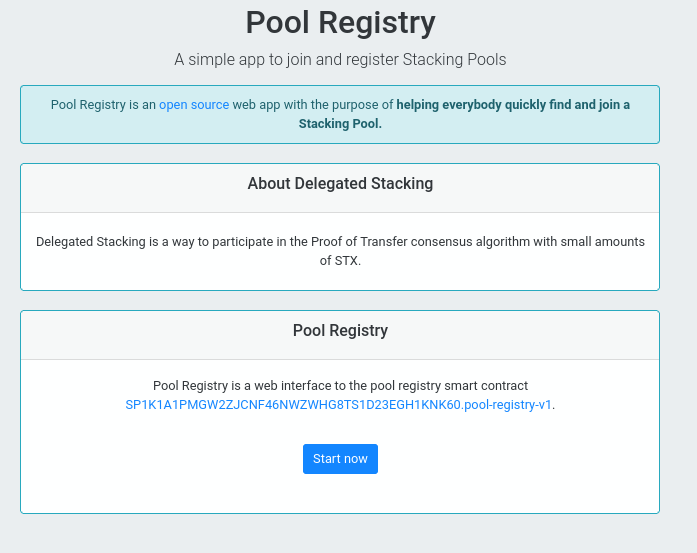
Visit the Pool Registry web app and click “Start Now”.
Join the pool
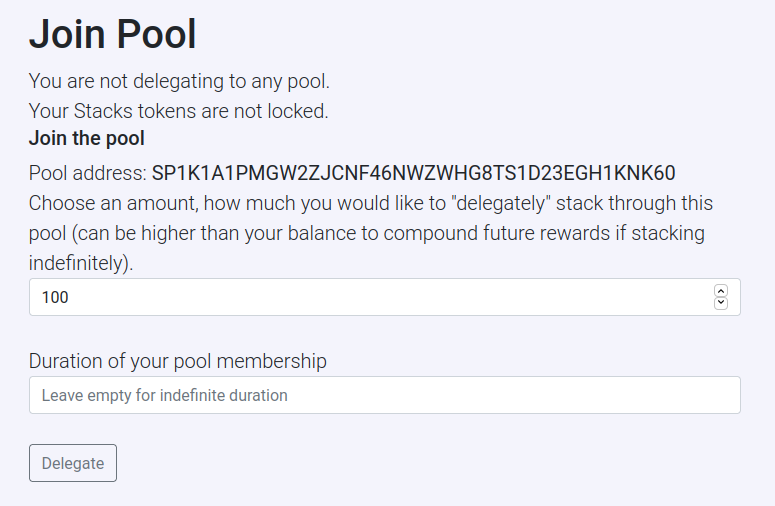
Visit the page to join the pool: https://stacks-pool-registry.pages.dev/join/
Follow the flow of the browser extension
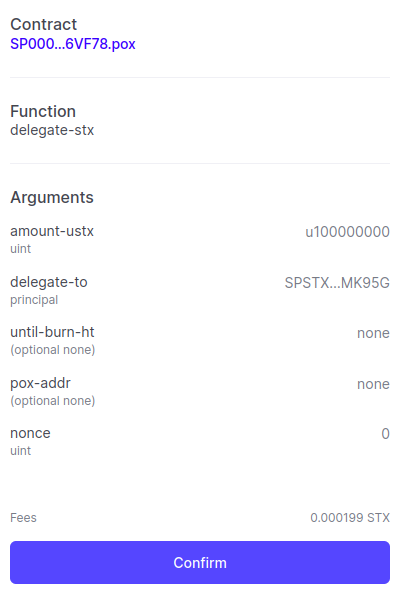
Verify the contract call. There should be no constraints and the contract should be SP000000000000000000002Q6VF78.pox. Click “Confirm”
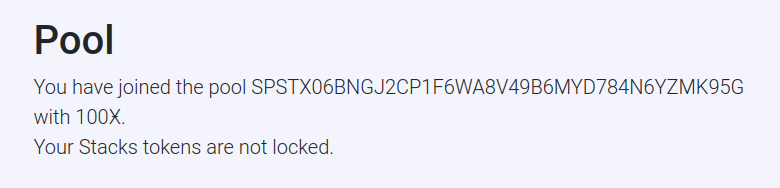
Check your state
Once your transaction is confirmed you can see your state on the same page.
OpenIntents Team BLOCKSTACK